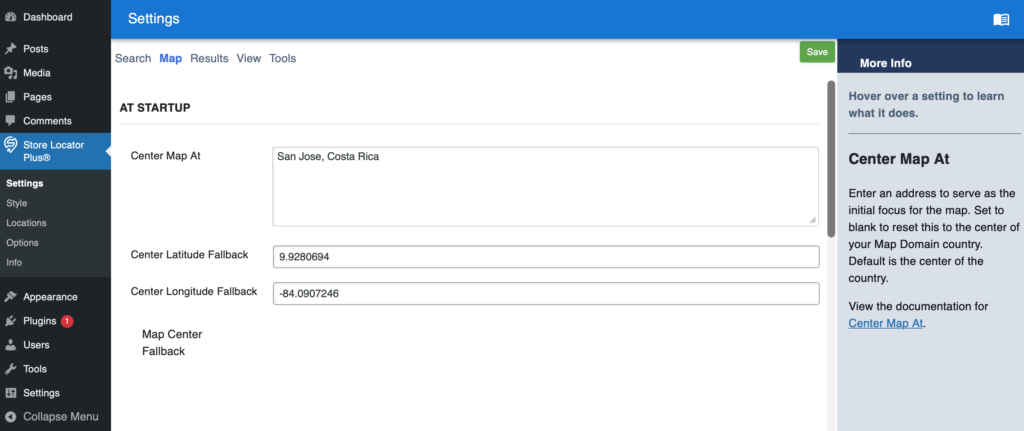
Under Settings | Map the map center fallback is not rendering the map.

Settings ID: center_map
This is a Premier feature.
May be related to Google Maps and SLP Core script enqueue
Store Locator Plus® Internal Docs
SLP Internal Documentation
Under Settings | Map the map center fallback is not rendering the map.

Settings ID: center_map
This is a Premier feature.
May be related to Google Maps and SLP Core script enqueue
This issue is specific to the WordPress plugin stack and does not affect SaaS installations.
Widget areas are special places on a classic theme that can accept blocks — typically areas like your sidebar or footer. This guide will explain how to use widgets on your website.
Sites using modern block themes do not use widgets, so you won’t find Appearance → Widgets in your dashboard.
Without a theme that supports widgets, the only place you’ll get Appearance -> Widgets support is with the Power add on for the Store Pages “no store page” template. The “no store page” template has not been updated to use blocks instead of widgets.
Notice: Function WP_Scripts::add was called incorrectly. The script with the handle “google_maps” was enqueued with dependencies that are not registered: slp_core. Please see Debugging in WordPressfor more information. (This message was added in version 6.9.1.) in /var/www/html/wp-includes/functions.php on line 6131
\SLPlus::enqueue_google_maps_script calls enqueue scripts with slp_core as a dependency but it is missing when going to the Store Locator Plus | Locations page in the admin panel.
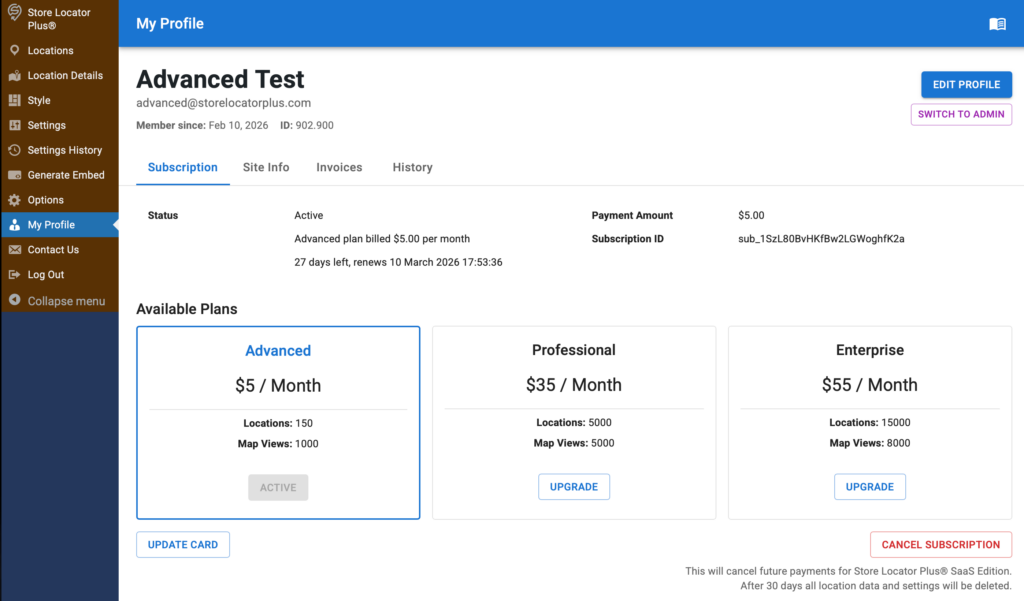
This is an issue with the updates to the My Profile interface from the 2602.01.01 version of the SLP SaaS platform.
Going to My Profile | Cancel Subscription is no longer working. It appears to post to the backend for processing, but there is not notification of cancellation and there is no update to the status.

When testing generate embed for “Freshy” the JS dev tools throws a warning:
[Log] (location.js, line 190)
Warning: foreach() argument must be of type array|object, null given in /var/www/html/wp-content/mu-plugins/store-locator-plus/include/module/ui/SLP_UI_Shortcode_slp_option.php on line 94
As per Foreach loop in SLP_UI_Shortcode_slp_option.php#69
Related to SLP Project issue: Cullgroup fatal error viewing dashboard (or logging in)#66
System log error.
[Tue Jan 20 16:44:46.077513 2026] [core:error] [pid 59] [client 127.0.0.1:47176] AH00124: Request exceeded the limit of 10 internal redirects due to probable configuration error. Use ‘LimitInternalRecursion’ to increase the limit if necessary. Use ‘LogLevel debug’ to get a backtrace.
Fatal error: Uncaught Error: Class “SLPPower” not found in
/var/www/html/wp-content/mu-plugins/store-locator-plus/include/module/actions/SLP_Actions.php
on line 184
This is happening due to the new invocation of Store Pages being loaded into the main plugin. Not all users will have the Power add on available.
Make sure Power add on is active before loading attributes.
In \SLP_Actions::setup_location_post_type
if ( class_exists( 'SLPPower' ) ) {
$power = SLPPower::get_instance();
$rewrite_rules = [
'slug' => $power->options['permalink_starts_with'],
'with_front' => $this->slplus->is_CheckTrue( $power->options['prepend_permalink_blog'] ),
];
} else {
$rewrite_rules = [
'slug' => SLPlus::locationPostURL,
'with_front' => true,
];
}
Store Pages interfaces are not invoked.
Requires Power add on to be active.
To view in Front end :
changed Style in WPSLP in QC and refreshed
SLP plug-in Version 2511.08.05 with current v 2511.06.02 add-on, (Exp and Premier enabled)
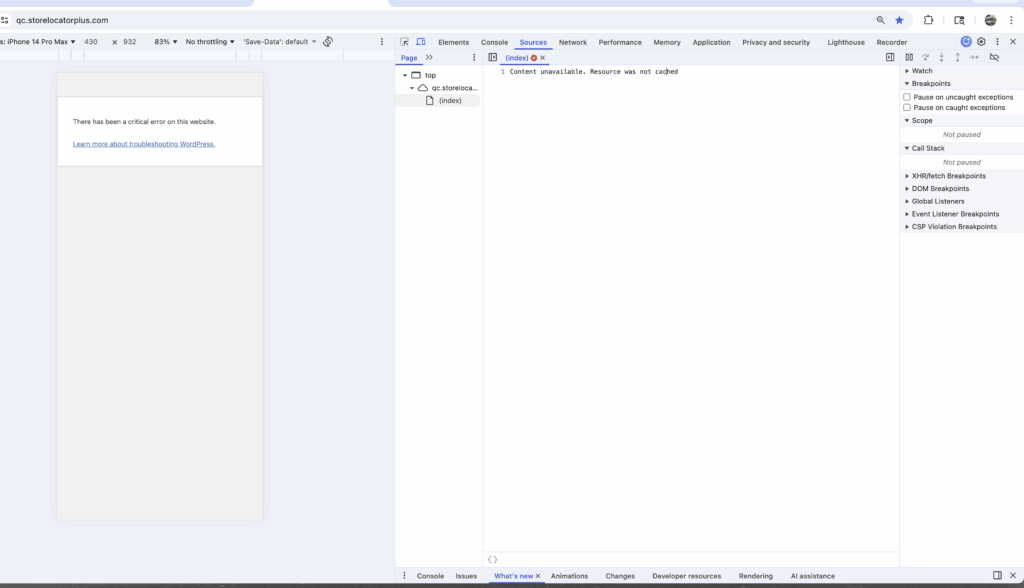
Visit site and critical error from WordPress pops up. Error log credentials library
With Chrome error message (index) Content unavailable . Resource was not cached.

From the QC Apache Error Log
Uncaught ArgumentCountError: Too few arguments to function
SLP_UI_Shortcode_slp_option::modify(),
0 passed in /bitnami/wordpress/wp-content/plugins/slp-premier/include/module/ui/SLP_Premier_UI.php on line 114
and exactly 1 expected in
/bitnami/wordpress/wp-content/plugins/store-locator-plus/include/module/ui/SLP_UI_Shortcode_slp_option.php:16
Revise \SLP_Premier_UI::process_hook_ShortcodeSLPOption to ensure it both accepts the attributes parameter and sends it along to \SLP_UI_Shortcode_slp_option::modify
SLP should not allow the older version of Power (2511.06.01 or earlier) to run.
Got error 'PHP message: PHP Fatal error:
Uncaught Error: Call to a member function addon() on null
in /bitnami/wordpress/wp-content/plugins/slp-power/include/module/ui/SLP_Power_UI.php:41
From..
global $slplus;
$this->addon = $slplus->addon( 'power' );
Must use Power 2511.06.02 with the latest version of SLP.
SLP had to be updated to test for the minimum version of the Power add on at 2511.06.02 or higher.
When editing a location with custom map markers available, the custom marker is not saved.
The map marker is not changed or saved to the database.
Have \SLP_Admin_Locations_Actions::save_edited_location to call \SLP_Data_Extension::set_cols(true) after reading the pre-existing record in order to force the valid extended data fields to the full array.
This error happens in a few scenarios:
Experience : changing the map marker
Power : Checking of a category
Error notification pops up “Could not update the location data.”
Also if…