The ultimate objective for the project is to have AI write clear and concise end-to-end (E2E) test specifications in Cypress.IO.
Unlike standard PHP and JavaScript, which AI has become fairly proficient at when writing new code, it turns out writing Cypress test specifications appears to be a new challenge for AI. It is likely due to the fact that things like Cypress specifications are built on a myriad of higher level JavaScript layers, frameworks to be more precise, that are combined in novel ways. The AI has far less training with these models as few companies write E2E test cases for their applications and of those that do few publish online. These extra layers of logic also rely on some knowledge of the application output specifically the exact HTML structure that is rendered by the underlying SaaS application.
The theory we are testing in this research paper is that some AI models will be more proficient than others at writing complex Cypress.IO test specification. Our initial testing that led to this paper was the discovery that AI is straight up awful at writing Cypress test specifications. Even after multiple prompt revisions, AGENTS.md precursor rules to assist in writing better scripts, AI still struggles. We have yet to build an AI prompt stack that generates specifications that come anywhere close to a final proper specification.
This research is meant to find the best LLM as a foundation on which to build these prompt stacks.
The Prompt
The @amelia in the start of the prompt is an AI setup hook for PhpStorm that tells the AI to query the local RAG proxy service running on the DGX Spark. That proxy service uses a Qdrant vector database that has been loaded with SLP code , public, and internal documentation sites to assist in building intimate knowledge of the SLP application.
@amelia - Cypress Test For Location Pagination

I need you to write a test in Cypress for the pagination feature that was published in the latest update.

In case you are not aware, the Cypress application and tests reside in this Content Root path:
* SLP_SaaS/Testing/myslp-cypress/cypress
  * ./e2e - existing e2e test specifications
  * ./fixtures - data fixtures for the tests
  * ./support - support files for the tests

For the pagination test, Cypress will need to:
- Register new accounts in case they do not already exist.
- Login to the newly registered (or pre-existing) enterprise account
- Delete all locations
- Add at least 4 locations
- Set the Initial Search Radius to 2500
- Set the Number To Show Initially value to 3
- Set the Number To Show value to 3
- Set the Enable Pagination to enabled by checking the checkbox
- Save The New Settings
- Go To The Generate Embed Page
- Scroll down to the list of locations below the map
- Verify the first 3 locations appear on the list
- Ensure the "More Locations:" text exists
- Ensure "More Locations:" text is followed by a clickable ">"
- Click the ">" link
- Verify the 4th location on the list exists as the first entry in the results

Hints on how to code each step and what to look for follows.

# Register New Accounts

There is a test that already exists for registering new accounts in the e2e test specifications. You can leverage that test to ensure that the accounts are properly registered and can be used for the pagination test.
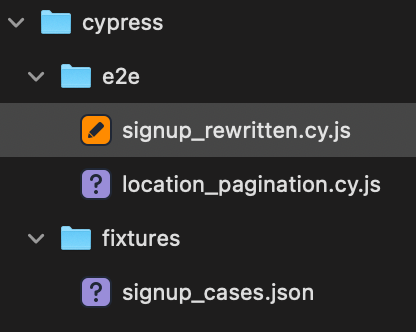
The test specification is signup_rewritten.cy.js
The test creates 3 new accounts, on for each plan available on the Saas platform.
The test may fail if an account already exists, which is likely if prior tests have executed that use this same script.

# Login to the Enterprise Account

The username and password are in the signup_rewritten.cy.js as hard-coded data.
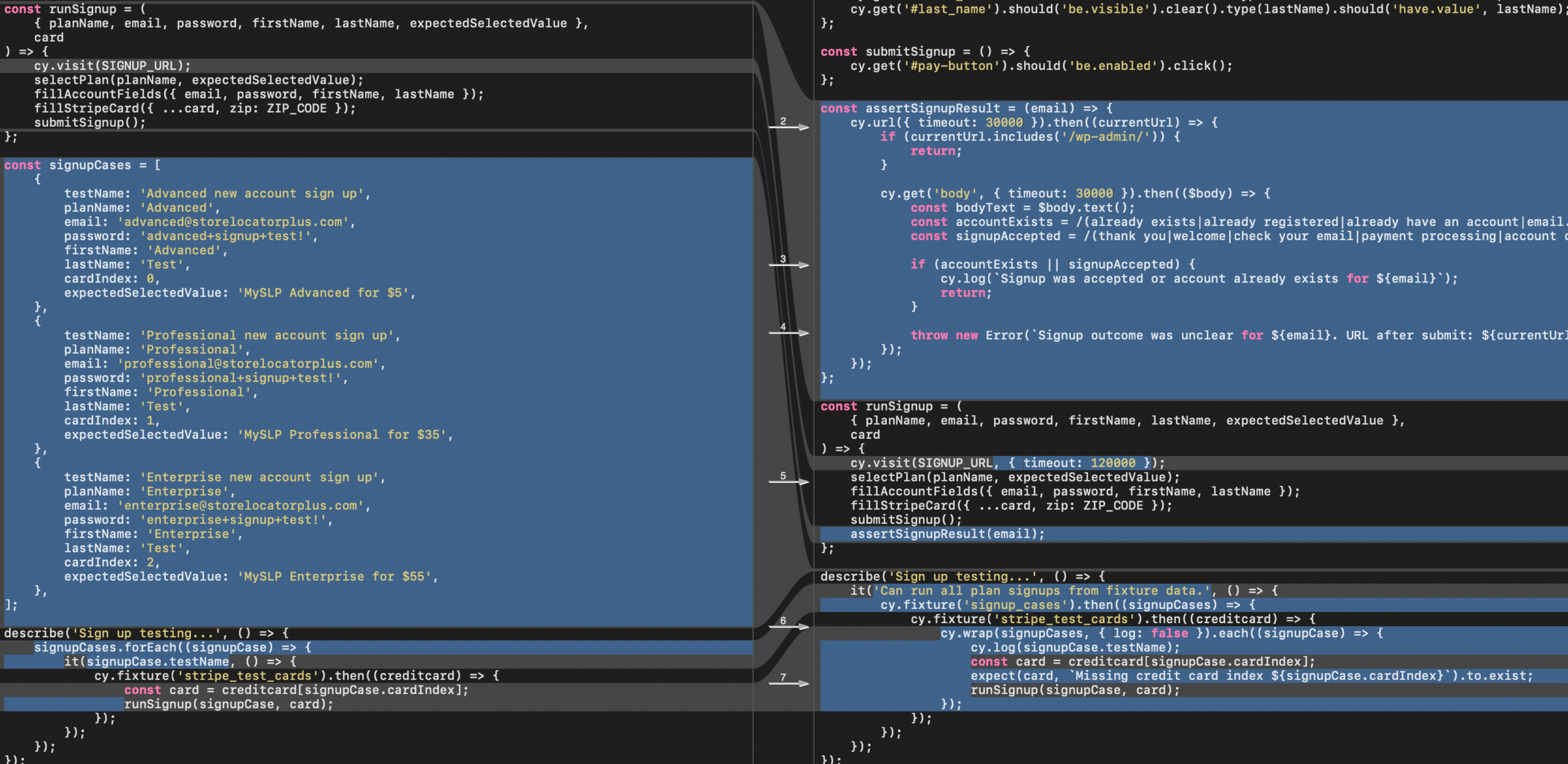
The data is stored in the signupCases variable.
It is probably prudent to extract this information to a fixture.
If you choose to extract that to a fixture, update the signup_rewritten.cy.js script to use the same fixture.

# Delete All Locations

There should already be a testDeleteAllLocations function available in these Cypress tests that can be used here.

# Add 4 locations

There should already be a testAddBaselineLocations function available in these Cypress tests that can be used here.
The fixture, addresses_baseline.json, should already have at least 4 locations listed.

# Settings

All settings noted here are on the same user interface.
- Set the Initial Search Radius to 2500 (data-cy attribute options[initial_radius])
- Set the Number To Show Initially value to 3 (data-cy options_nojs[initial_results_returned])
- Set the Number To Show value to 3 (data-cy options_nojs[max_results_returned])
- Set the Enable Pagination to enabled by checking the checkbox (data-cy options[pagination_enabled])

The path to get to those settings:
* Click Settings in the sidebar menu
* Click Results in the top of page menu

Keep in  mind some interface elements may be outside the current visible viewport on the page.

The save button should be clicked after making the settings changes. (input type submit class button-primary)

# Generate Embed

Click this entry in the sidebar menu.

Wait for the page to load and the XHR/Fetch call to ttps://staging.storelocatorplus.com/enterprise_at_storelocatorplus_dot_com/wp-json/myslp/v2/locations-map/search to return results.

The returned result should include the initMySLP() with a JSON object within.
That JSON object should have a data.response property that is an array of JSON objects containing at least the first 3 locations in the address fixture.

After the XHR/Fetch has returned, the locations should appear in side the div with class results_wrapper within its inner HTML.

Each location should be in a div with class results_entry.

# Click the ">" to test pagination

Clicking the > should fire and XHR/Fetch to https://staging.storelocatorplus.com/enterprise_at_storelocatorplus_dot_com/wp-admin/admin-ajax.php

This should return a result with a JSON data payload.

The payload should contain an element with a key 'response' that contains the fourth location.

After the XHR/Fetch has returned, the fourth location should appear in side the div with class results_wrapper within its inner HTML.

Each location should be in a div with class results_entry.
AI Written Test Specifications
Junie : Gemini 3 Flash : 0 / 5
Could not even login
cy.visit() failed trying to load:
https://local.storelocatorplus.com:443/undefined?page=myslp-dashboard
File Stack
Test Results
– ❌ Login to the newly registered (or pre-existing) enterprise account
Junie : Claude Opus 4.6 : 4 / 5
This combination failed very early in the specification run. When adding the first location the AI wrote a cy.filter() that tried to access a DOM element that does not exist.
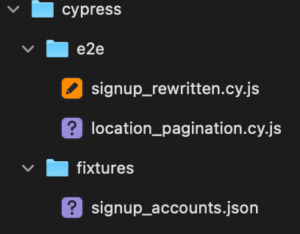
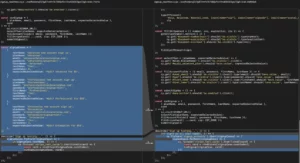
File Stack
Test Results
– ✅ Login to the newly registered (or pre-existing) enterprise account
– ✅ Delete all locations
– ✅ Add at least 4 locations
– ✅ (in detail instructions) Go to the Settings | Results tab
– ✅ Set the Initial Search Radius to 2500
– ✅ Set the Number To Show Initially value to 3
– ✅ Set the Number To Show value to 3
– ✅ Set the Enable Pagination to enabled by checking the checkbox
– ✅ Save The New Settings
– ✅ Go To The Generate Embed Page
– ✅ Scroll down to the list of locations below the map
– ❌ Verify the first 3 locations appear on the list
Junie : GP5-5.3-Codex : 1 / 5
This combination failed very early in the specification run.
In this run the specification got off track very early in the process.
The login works, then for some reason it goes back to the main login URL versus continuing to interact with the menus once it was logged in.
It started looking for the login email input field again, which will not come up if the user is already logged in.
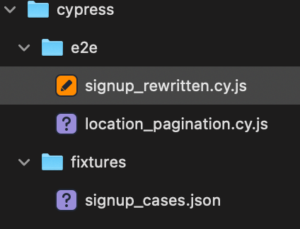
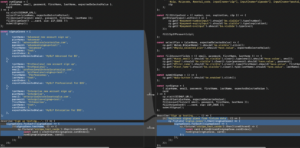
Test Results
– ✅ Login to the newly registered (or pre-existing) enterprise account
– ❌Delete all locations
File Stack
Junie : Grok 4.1 Fast Reasoning : 2 / 5
On the first attempt to build a test case, it failed without creating any files. The AI interface straight up broke the PhpStorm Junie AI Agent interface. It did the RAG prefetch but when it tried to read and write files it broke the tool set.
We’ll chalk that up to an AI “brain fart”.
The second run produced files but not quite like the other AI models. The interesting take away is that the simpler approach ran as good as our best AI bot yet.
File Stack
Test Results
– ✅ Login to the newly registered (or pre-existing) enterprise account
– ✅ Delete all locations
– ✅ Add at least 4 locations
– ✅ (in detail instructions) Go to the Settings | Results tab
– ✅ Set the Initial Search Radius to 2500
– ✅ Set the Number To Show Initially value to 3
– ✅ Set the Number To Show value to 3
– ❌ Set the Enable Pagination to enabled by checking the checkbox
Failed because the checkbox was not fully visible in the screen viewport.
AI Assistant Chat : Grok Code Fast 1 : 1 / 5
One downside of “vanilla chat” models in PhpStorm AI Assistant is they don’t employ the tools and MCP server to automatically create files. Instead you get file contents in a prompt you need to add (or edit existing files) manually.
The results here were far less comprehensive because of this limitation. That said, it got as far as our Junie : Gemini 3 Flash test with the same crash point on trying to login with the same exact error and failure point.
Test Results
– ✅ Login to the newly registered (or pre-existing) enterprise account
– ❌ Delete all locations
AI Assistant Codex : Agent (full access) gpt-5.3-codex (high) : 5 / 5
The is slightly different than the Junie interface to GPT 5.3. Here it uses the built-in ChatGPT Codex interface which works differently than Junie. It uses the same ChatGPT 5.3 Codex LLM in the background, but offers a reasoning level parameter (low, medium, high, extra-high) Here the xhigh level was selected. This also uses OpenAI tokens directly (via OAuth in this case) versus JetBrains AI model tokens.
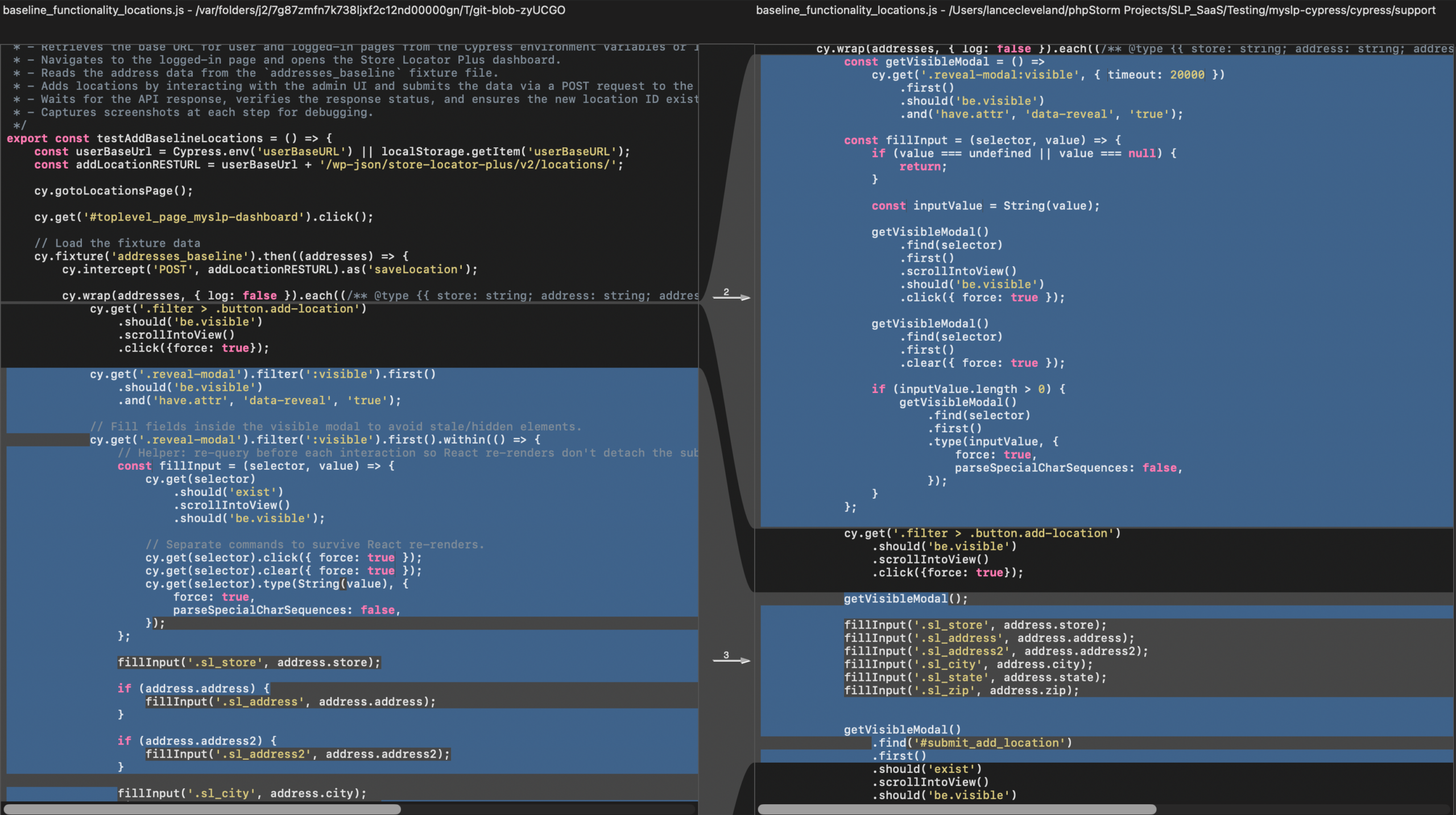
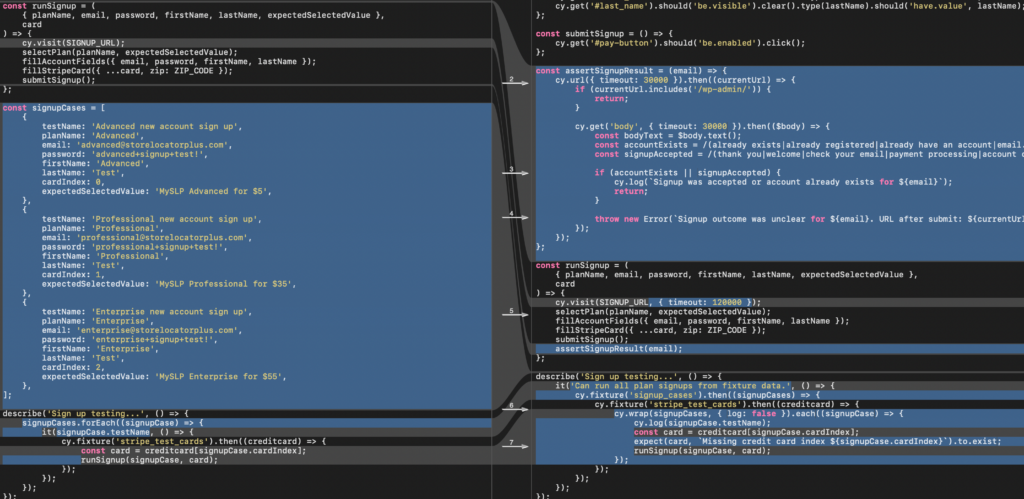
One of the things I first noticed when using this model was that it worked in a more agentic fashion than the other models. In this model, the AI not only wrote the code but tested it afterwards. It would then analyze the results make changes and rerun the test. This happened close to a half dozen times until it handed up with a test that passed. The end result was the first Cypress.IO and to end test specification that worked as expected. One thing to note about this model, however, is that it took a lot longer to run and complete the task overall, it took close to 45 minutes to end up with a passing test specification.
After an initial successful, first pass of the test, a subsequent run of the test specification failed. Restarting the system did not resolve the issue. The subsequent tests failed when adding locations. This meant sending a follow on prompt asking the AI agent to rerun the test as it failed adding locations, indicating a brittle test specification. After a brief five minute session, this AI agent rewrote the specification and it is now passing on multiple test runs.
Test Results
– ✅ Login to the newly registered (or pre-existing) enterprise account
– ✅ Delete all locations
– ✅ Add at least 4 locations
– ✅ (in detail instructions) Go to the Settings | Results tab
– ✅ Set the Initial Search Radius to 2500
– ✅ Set the Number To Show Initially value to 3
– ✅ Set the Number To Show value to 3
– ✅ Set the Enable Pagination to enabled by checking the checkbox
– ✅ Save The New Settings
– ✅ Go To The Generate Embed Page
– ✅ Scroll down to the list of locations below the map
– ✅ Verify the first 3 locations appear on the list
– ✅ Ensure the “More Locations:” text exists
– ✅ Ensure “More Locations:” text is followed by a clickable “>”
– ✅ Click the “>” link
– ✅ Verify the 4th location on the list exists as the first entry in the results
File Stack
A More Efficient Prompt
The prompt below was written by the GPT 5.3 codex as a more efficient version of the original prompt. This will be used to write better prompts for future Cypress specifications written by AI agents.
# Prompt: Cypress E2E for Location Pagination (Efficient Version)

Implement a **single Cypress E2E spec** for MySLP location pagination, with minimal exploration and maximum reuse of existing project helpers.

## Context
- Project root: `SLP_SaaS/Testing/myslp-cypress`
- Cypress content root: `cypress`
- Use existing structure:
  - `cypress/e2e`
  - `cypress/fixtures`
  - `cypress/support`
- Existing reusable helpers are expected:
  - `testDeleteAllLocations`
  - `testAddBaselineLocations`
- Existing baseline data fixture:
  - `addresses_baseline.json` (at least 4 locations)

## Must-use setup requirements
1. Ensure enterprise test account exists:
   - Attempt login first.
   - If login fails, perform signup using existing signup flow patterns.
2. Use UI flow (no direct API shortcuts for setup).
3. Reuse existing support helper functions where possible; only add logic that is missing.

## Test scenario to implement
Create a new spec (suggested: `cypress/e2e/location_pagination.cy.js`) that performs:

1. Login to enterprise account (or create then login).
2. Delete all existing locations.
3. Add baseline locations (minimum 4).
4. Go to **Settings** -> **Results**.
5. Set:
   - Initial Search Radius: `2500` (`[data-cy="options[initial_radius]"]`)
   - Number To Show Initially: `3` (`[data-cy="options_nojs[initial_results_returned]"]`)
   - Number To Show: `3` (`[data-cy="options_nojs[max_results_returned]"]`)
   - Enable Pagination: checked (`[data-cy="options[pagination_enabled]"]`)
6. Save settings.
7. Open **Generate Embed** from sidebar.
8. Wait for initial map search request:
   - URL pattern includes: `/wp-json/myslp/v2/locations-map/search`
9. Validate initial results behavior:
   - Results list renders in `.results_wrapper`
   - There are at least 3 `.results_entry` items
   - `More Locations:` is visible
   - a clickable next control exists (`>` / `#next-locations-page`)
10. Click next page control.
11. Wait for pagination request:
   - URL pattern includes: `/wp-admin/admin-ajax.php`
12. Validate pagination behavior:
   - Next-page payload includes the remaining baseline location
   - First visible result entry after click corresponds to that next location

## Robustness requirements (important)
- Avoid brittle element chains in modal interactions; always re-query visible modal/input before each action.
- Handle minor DOM variance for save button (`button:contains("Save")` vs `input.button-primary[type="submit"]`).
- Do not assume baseline fixture order equals render order; derive expected next-page location from first-page response/results.
- Keep assertions deterministic and tied to observable UI + intercepted network responses.

## Fixture and signup refactor
- Move hard-coded signup account cases into a fixture (suggested: `cypress/fixtures/signup_cases.json`) if not already done.
- Update signup spec (`signup_rewritten.cy.js`) to consume same fixture.

## Deliverables
1. New pagination spec file.
2. Any supporting fixture updates.
3. Any helper hardening needed for stable reruns.
4. Verification by running the new spec multiple times consecutively (at least 2 passes).

## Acceptance criteria
- New pagination spec passes in repeated runs without intermittent add-location failures.
- Flow verifies both:
  - initial page shows 3 results + More Locations control
  - next page shows expected next location as first result
- Code follows existing Cypress project conventions.